
Mignori - Booru Browser
A native booru browser crafted for iOS 26. Mignori focuses on speed, clarity, and comfort, giving you an elegant way to browse, search, and enjoy art across supported boorus from your iPhone.


A native booru browser crafted for iOS 26. Mignori focuses on speed, clarity, and comfort, giving you an elegant way to browse, search, and enjoy art across supported boorus from your iPhone.
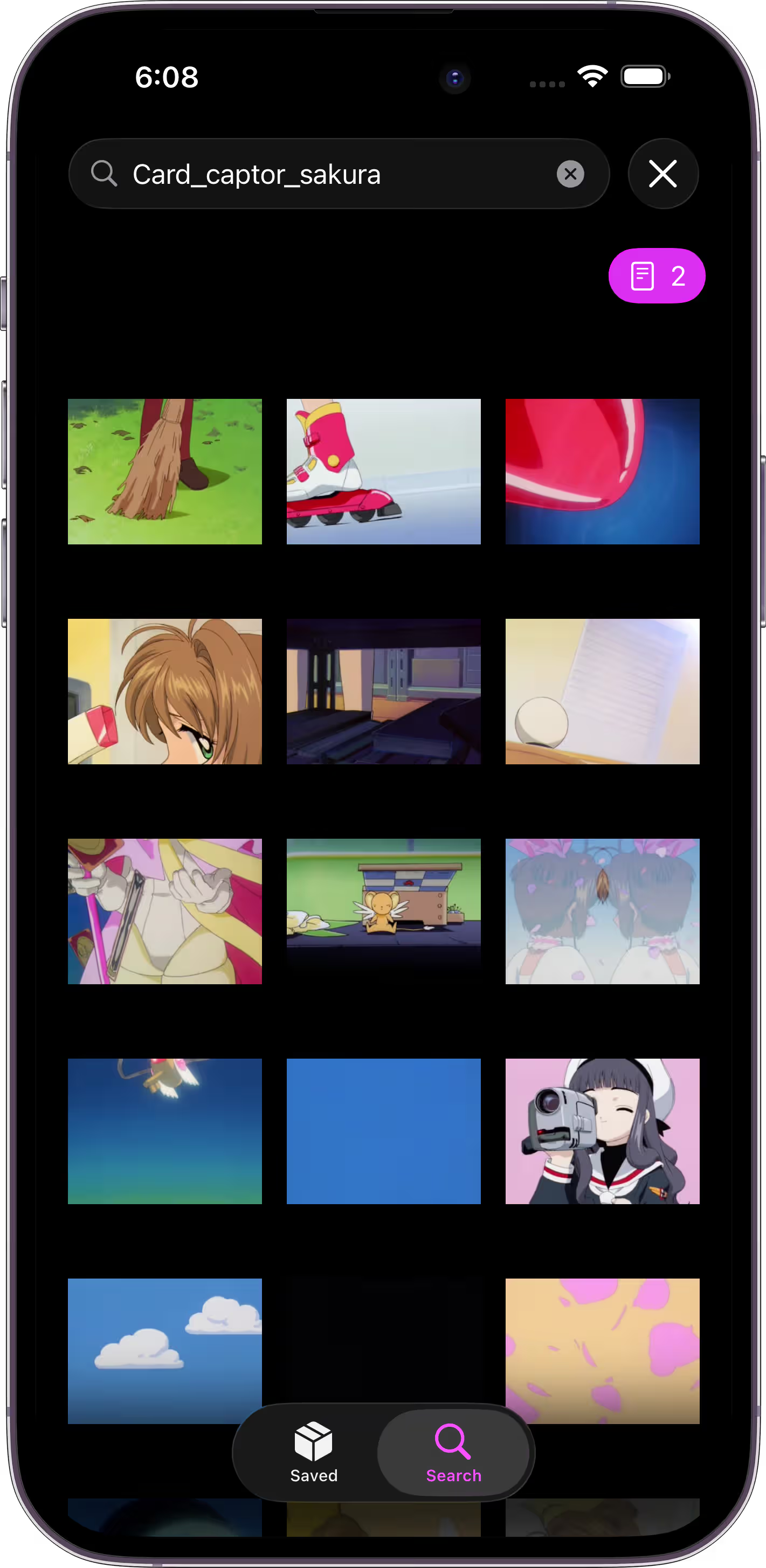
Search with familiar booru tags, including multiple and negative tags, so you can narrow results quickly without leaving the workflow you already know.
Search across multiple servers at the same time. Each thumbnail shows a small badge so you always know which booru a post came from.
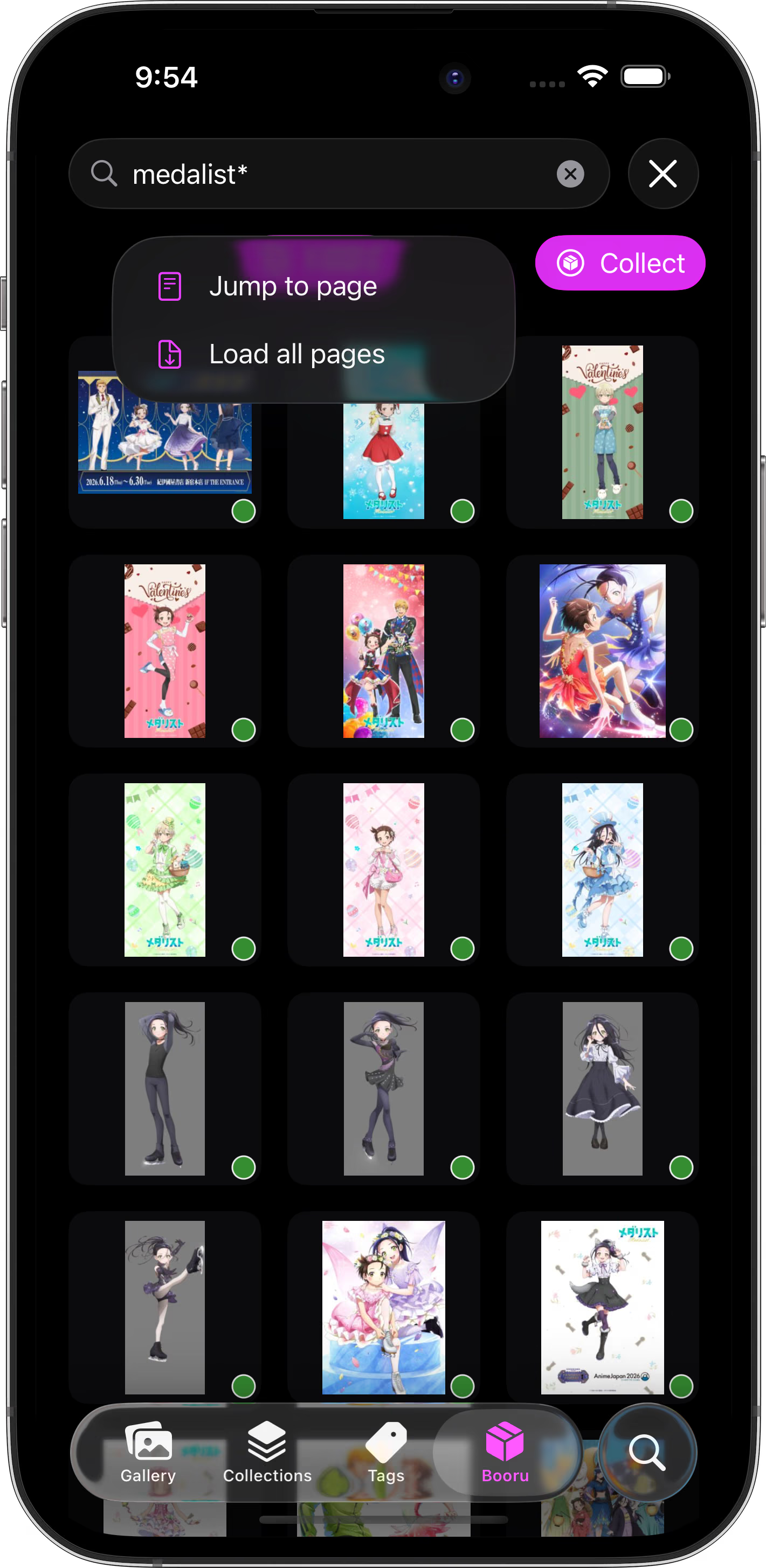
Jump to any result page instantly, or load every page in a search at once when you want to browse without stopping.
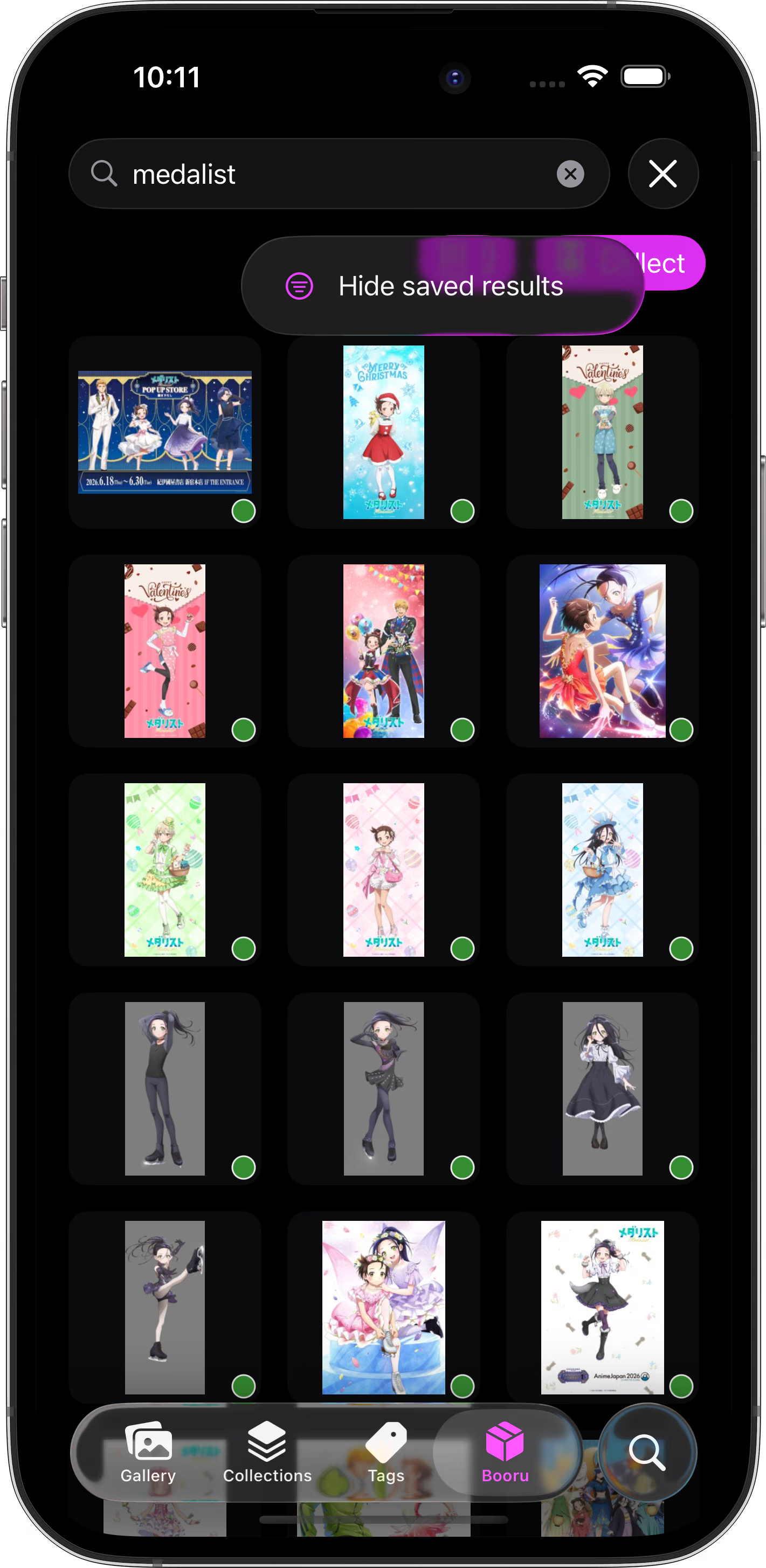
Hide posts you already saved, or show every result when you want the full search view.
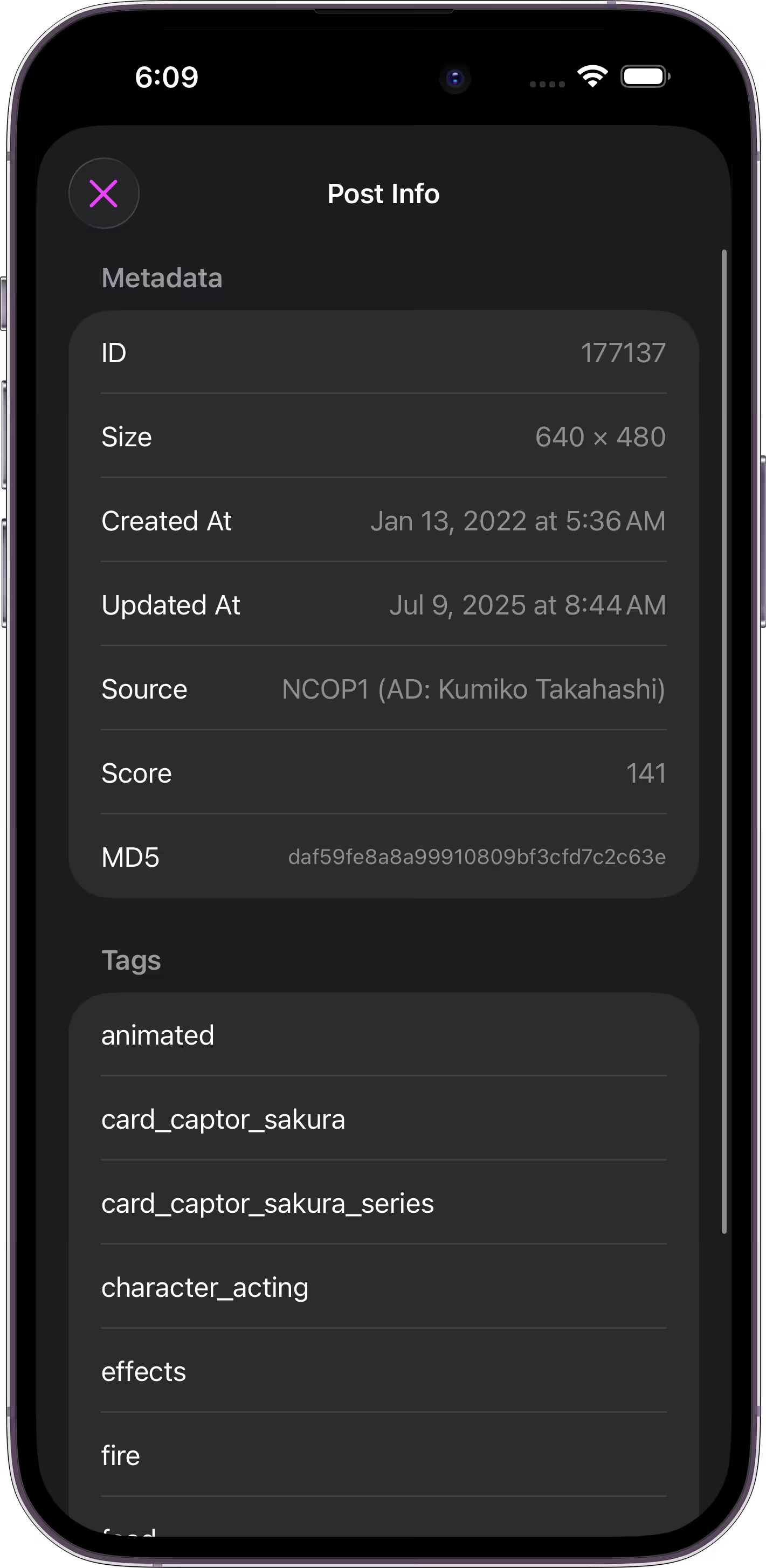
Open any post to see upload date, rating, source, file details, and color-coded tags. Tap a tag to instantly search related posts.
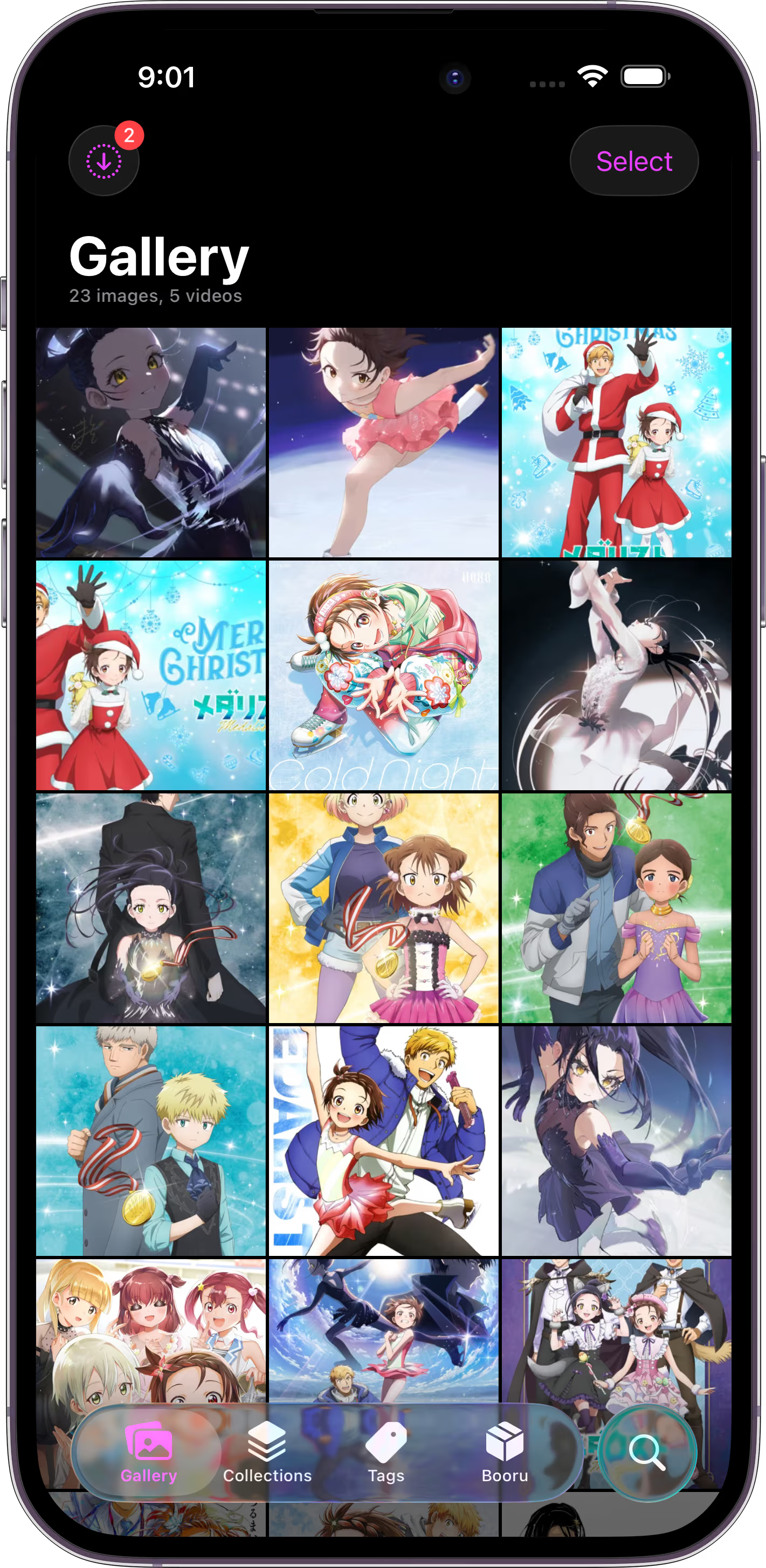
Save images and videos to Mignori’s local gallery instead of cluttering your camera roll, then organize them with collections, albums, and smart albums.
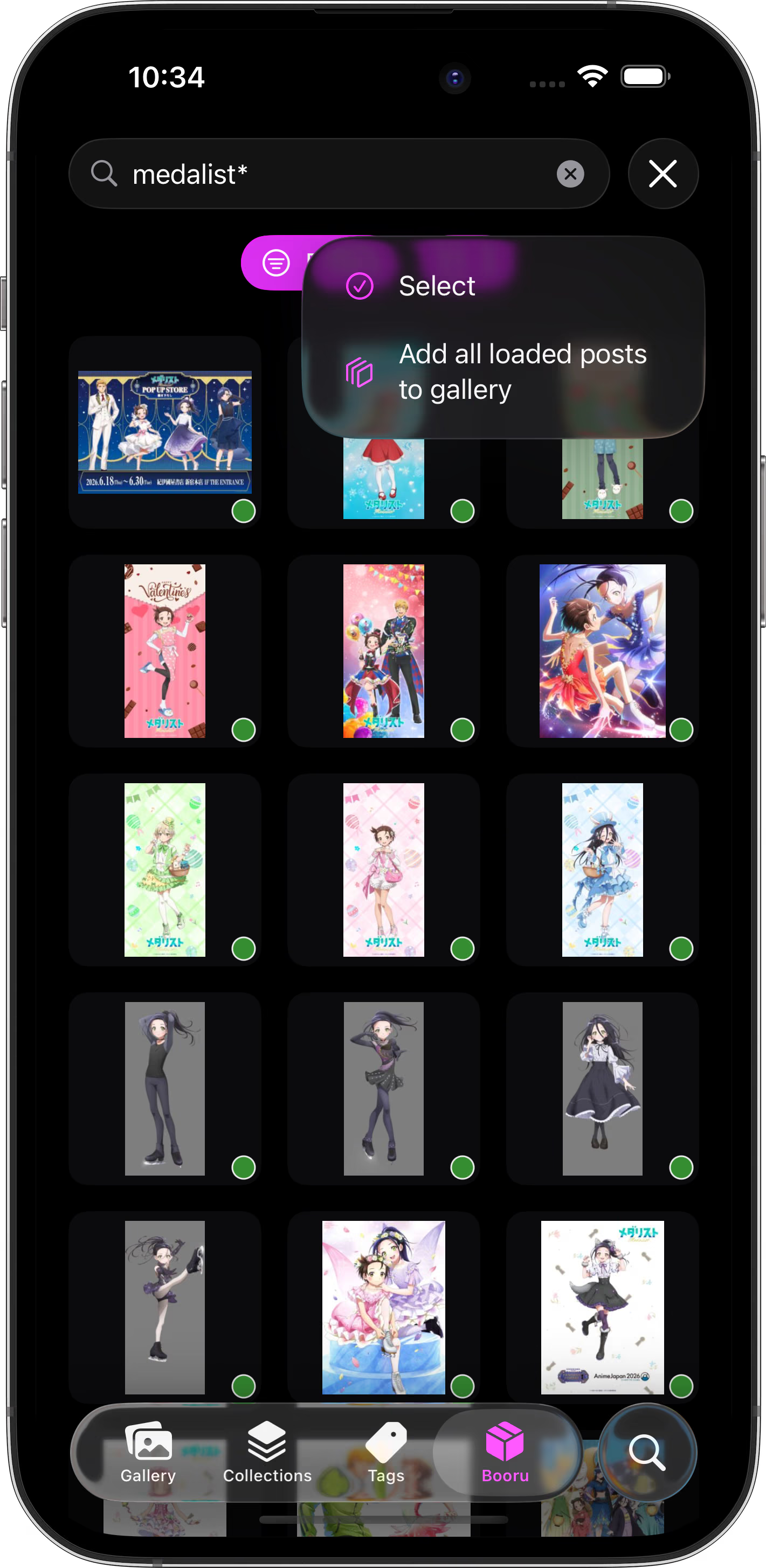
Collect posts in bulk from loaded search results, or select exactly which ones you want to save to your local gallery.
Organize your gallery with albums, smart albums, and nested collections. Build manual groups, generate albums from booru-style queries, and pin favorites for quick access.
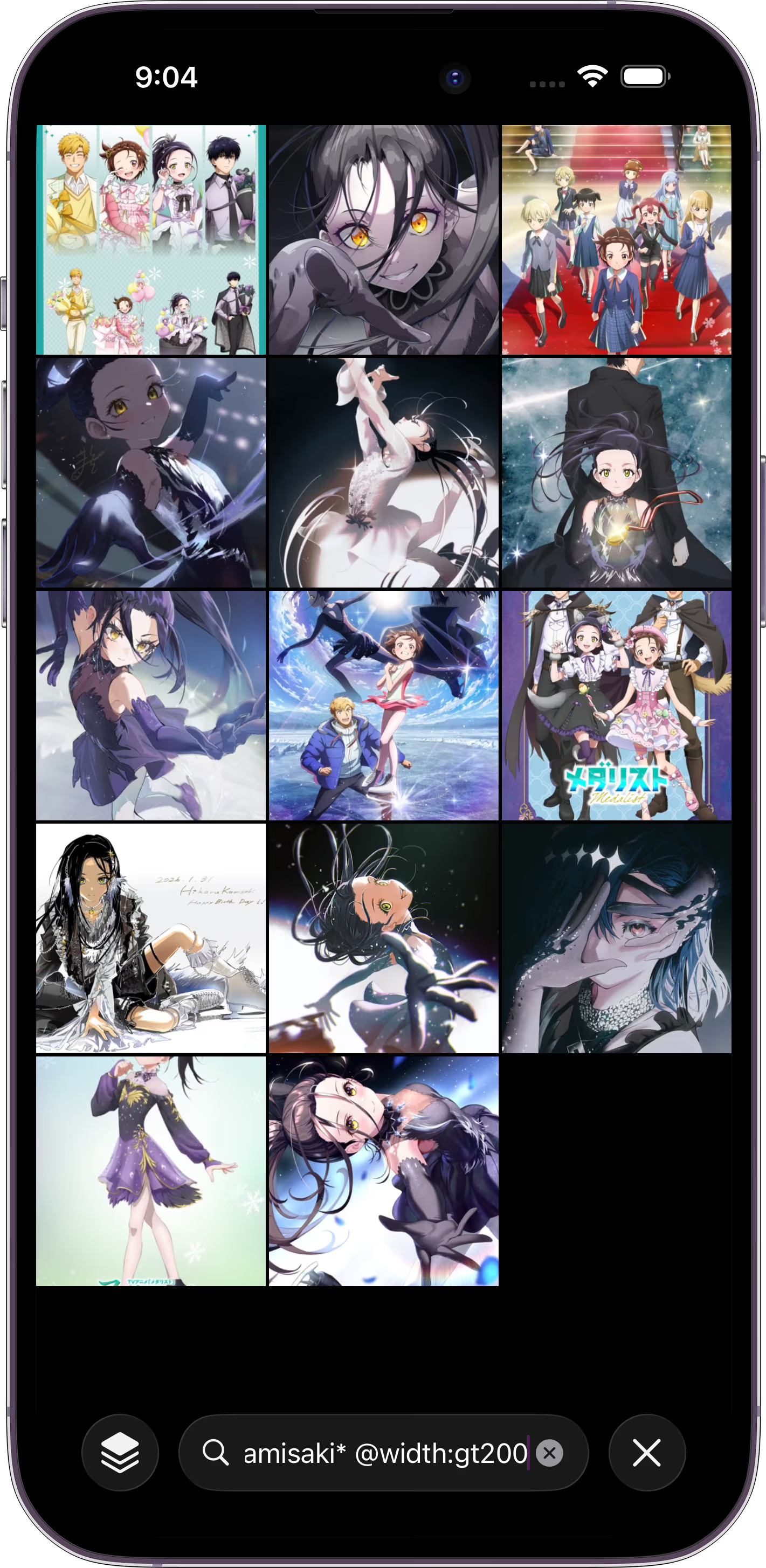
Search your saved gallery offline with booru tags and Mignori’s property filters, so you can find the right post even without a network connection.
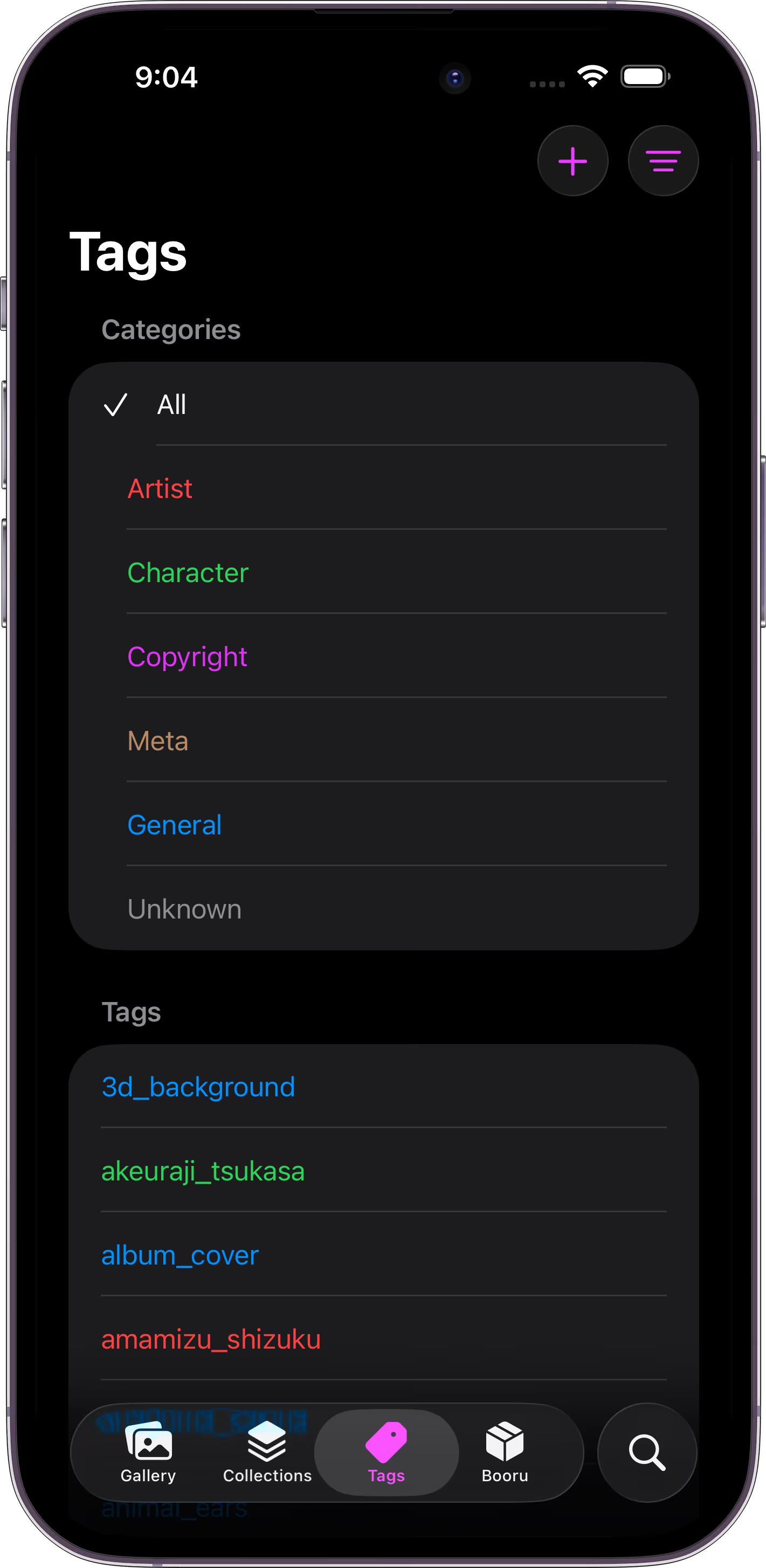
Mignori collects and categorizes tags as you browse, making characters, artists, copyrights, metadata, and general tags easy to recognize at a glance.
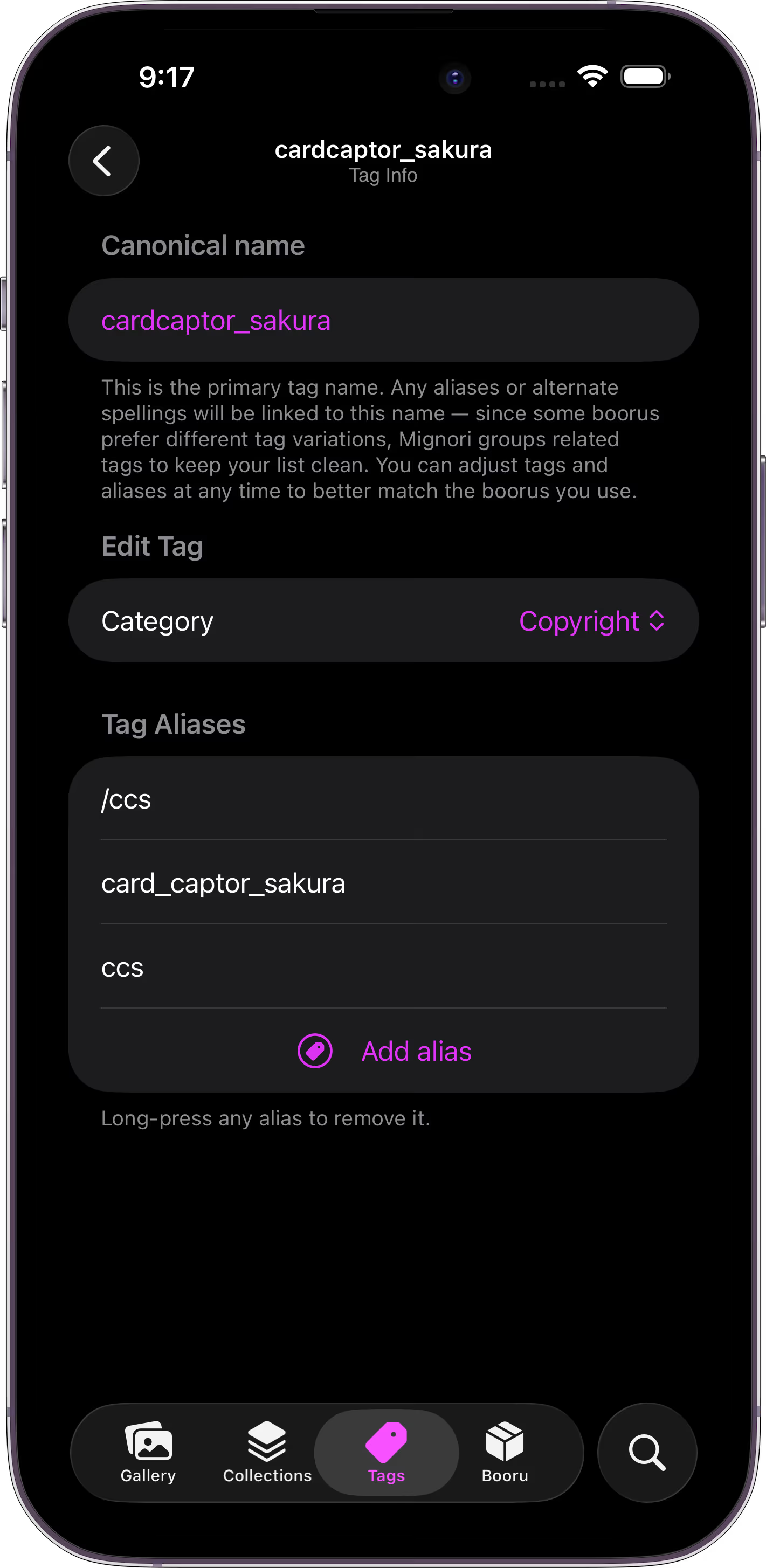
Inspect tag categories and aliases, then fix them manually when needed so your local library stays accurate.
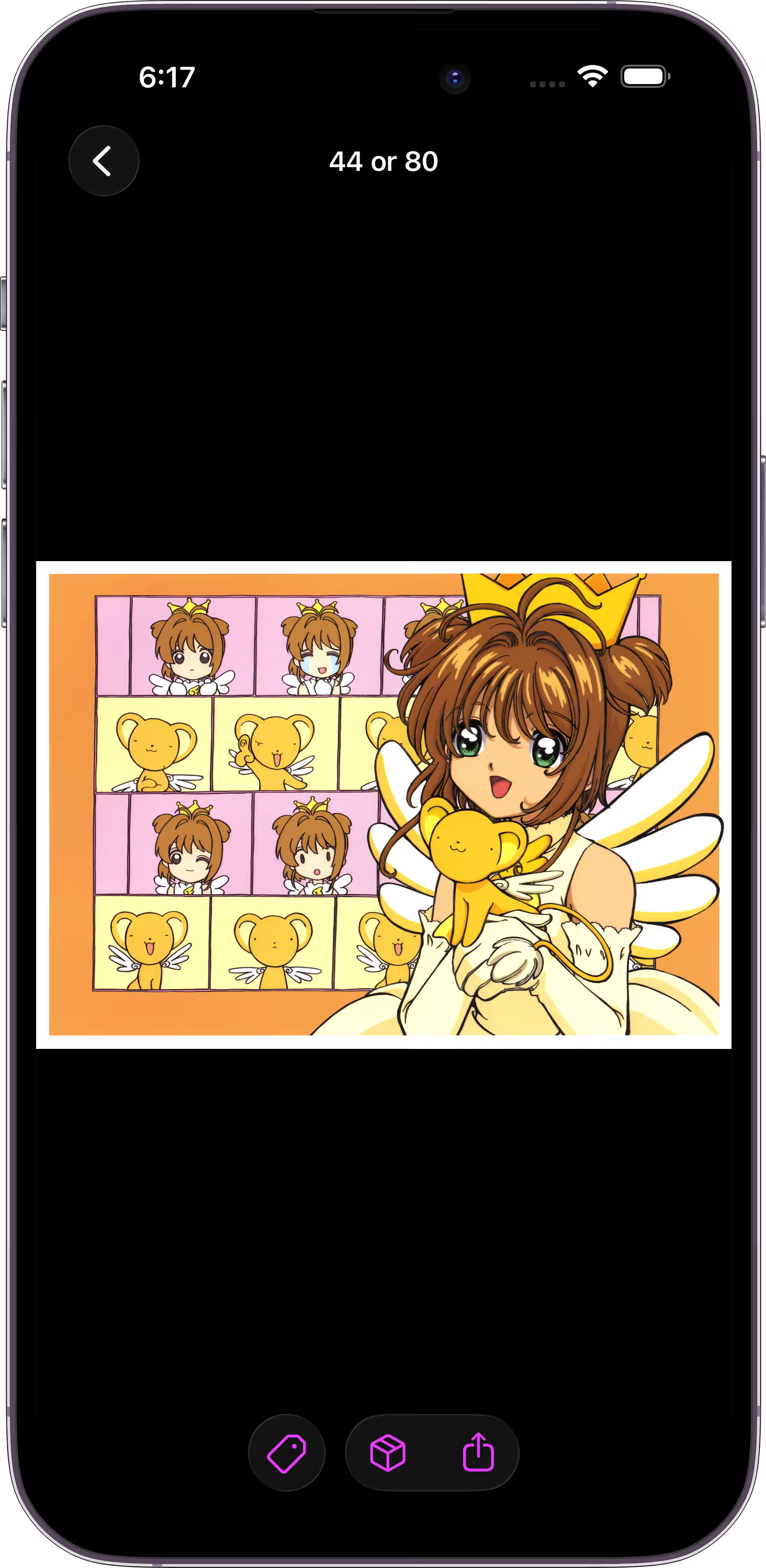
View large images, animated GIFs, and common booru image formats. Save them to your local gallery or export them to Photos when you want.
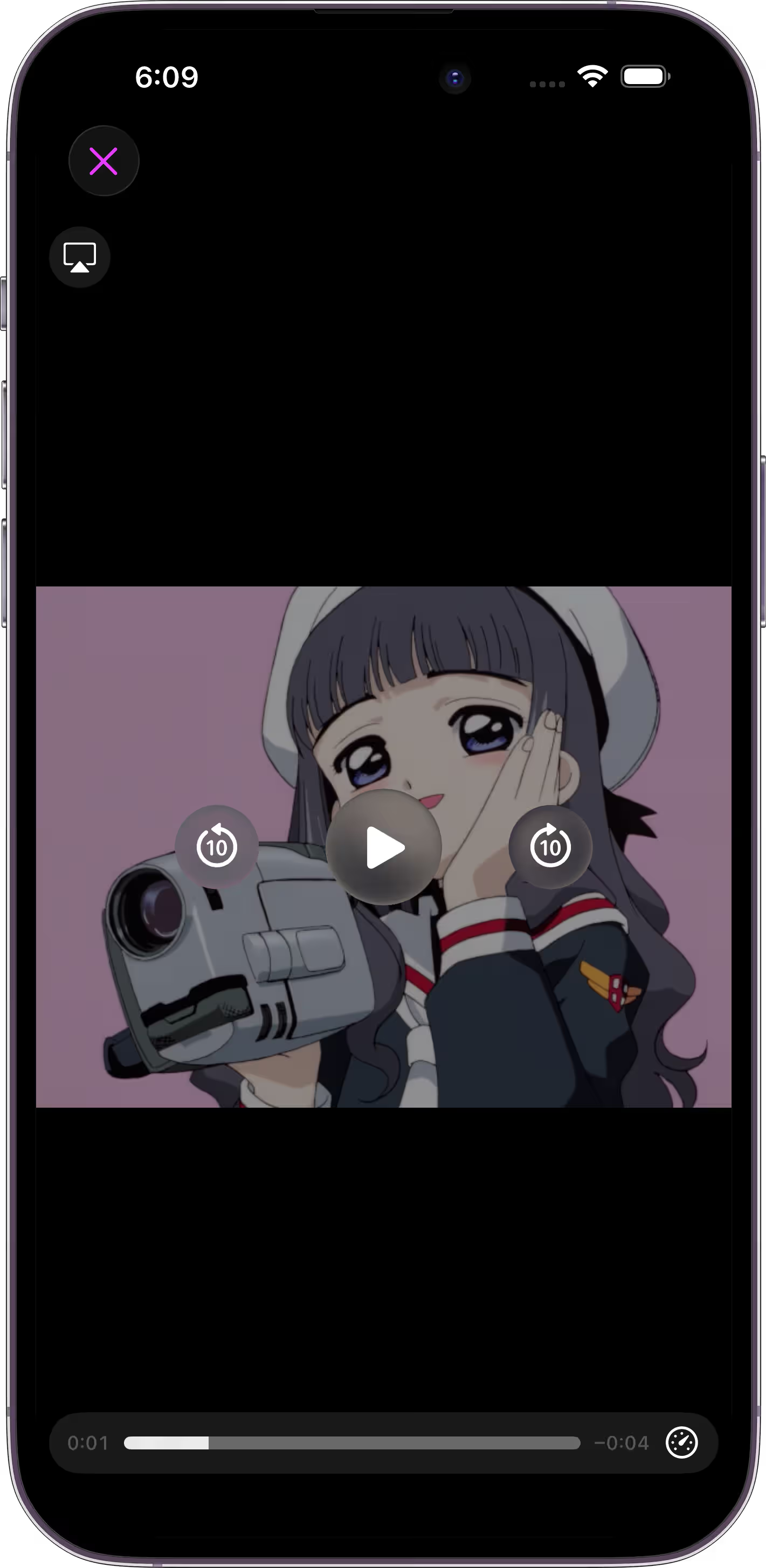
Play booru videos with native iOS controls, save them to your local gallery, or export them to Photos. Unsupported formats can still be opened in another player.