
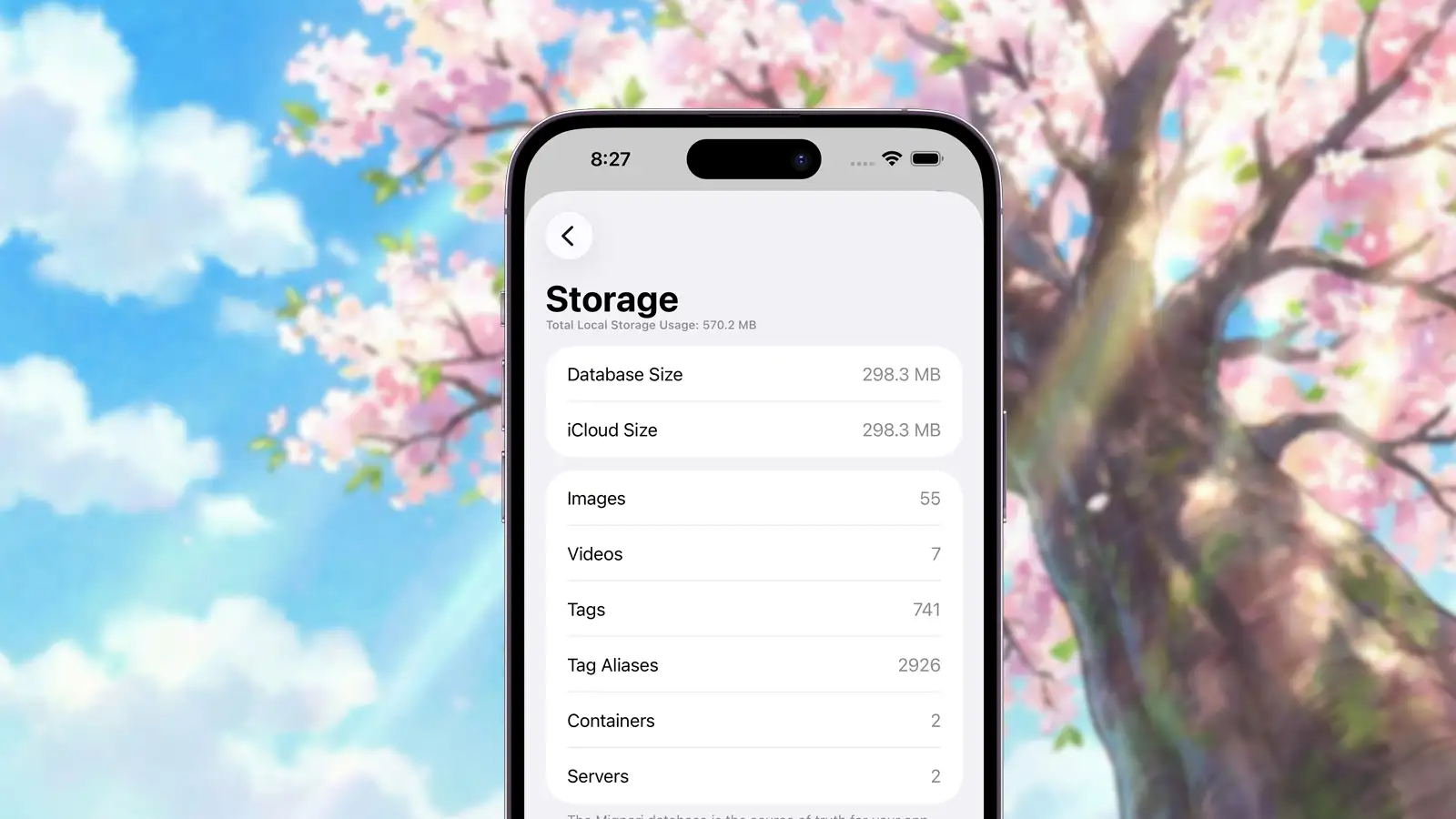
Mignori is built around Mignori Libraries: library files that you create, open, move, and back up. A library can live on your device or in a supported cloud storage provider. Understanding what Mignori stores will help you keep storage usage predictable and choose the library location that works best for you.
The Mignori Database
The source of truth for your saved Mignori data is the database inside your active Mignori Library. This database is used to store:
- Posts (both images and videos)
- Collections (albums, smart albums, and collections)
- Tags
- Tag aliases
- Servers
Because it can store actual image and video data, this database can grow significantly if you save a large number of posts. From a performance perspective, Mignori has no issues reading from or writing to large databases, but the total amount of content you can store is ultimately limited by the storage available to the library location you choose.
Local libraries use storage on your device or in the local Files location you selected. Remote libraries use your chosen cloud storage provider for the library’s main content while keeping local storage focused on the database, thumbnails, and recently used assets.
Metadata
Mignori stores metadata returned by booru servers for each post. First, it stores the original hash provided by the booru. When you add a post to your gallery, Mignori also calculates and stores additional hashes: md5, sha1, sha256, and sha512.
While this may seem excessive, it enables reliable duplicate detection across different booru servers, which may use different hashing algorithms. This approach helps keep your gallery consistent and free of duplicates.
The table below shows how much storage hash metadata uses at different library sizes:
| Posts | Approx. storage range (hash metadata only) |
|---|---|
| 100 | 29–39 KB |
| 1,000 | 296–392 KB |
| 10,000 | 2.8–3.7 MB |
| 100,000 | 28–37 MB |
Mignori also stores additional metadata such as image dimensions, file size, video part counts (explained below), original URLs, favorite status, and more. In practice, metadata remains a small fraction of total storage usage compared to the images and videos themselves.
Raw Data
Mignori stores images and videos differently.
Raw Images
Images are stored as part of the Mignori Library. This keeps the library portable and avoids scattering thousands of individual files throughout the location where the library lives.
Raw Videos
Videos are also stored as part of the library, but they are split into multiple parts and stored across different rows. This design helps Mignori write and reconstruct large video files reliably.
Mignori stores the number of parts for each video so it can reconstruct them correctly and detect when a video has not finished writing yet.
Thumbnails & Samples
Mignori treats image thumbnails and video previews very differently, based on reliability and consistency requirements.
Image Thumbnails
Mignori generates its own thumbnails for images. These thumbnails are not stored in the database and can be regenerated when needed. You can clear all image thumbnails from Booru > Settings > Storage, and Mignori will regenerate them automatically when needed.
Image thumbnails generated by Mignori are large in terms of dimensions—up to 512 pixels on their longest side—to preserve visual clarity in grid views and collections. However, they are not large in file size. Thumbnails are encoded in the .heic format at roughly 60% quality, which keeps their storage footprint relatively small.
In our tests, adding 4,000 posts resulted in roughly 100 MB of image thumbnail data. This data remains local-only and can always be safely regenerated or cleared.
Video Thumbnails & Samples
For videos, Mignori always stores both the thumbnail and the sample (the preview image shown before playback) directly in the database, so they remain part of the library.
Whenever possible, Mignori will generate the video thumbnail and sample locally and store the generated results in the database. This is the preferred path, as it gives Mignori full control over consistency and quality.
If Mignori cannot generate a thumbnail or sample—due to unsupported video formats, codecs, or container limitations on iOS—it will fall back to using the thumbnail and sample provided by the booru instead, and store those in the database.
As a result, the quality of video previews may vary depending on what the source booru provides. Lower-quality previews in these cases come from the booru itself, not from Mignori.
By storing video thumbnails and samples permanently, regardless of their source, Mignori ensures:
- Reliable playback previews
- Consistent behavior across devices
- Correct rendering when offline or after reopening a library
Samples are never generated or stored for images—samples are exclusively used for videos.
Caches
As you use the app, Mignori temporarily stores images and videos in the system cache. While Mignori does not rely on caches for performance—fetching images and reconstructing videos directly from the database is already fast—cached files are required for features like sharing posts or exporting them to the Photos app.
You can clear cached files at any time from Booru > Settings > Storage without worrying about performance issues or breaking the app. iOS may also automatically clear caches when your device runs low on storage. A future version of Mignori will clean its own cache more aggressively to prevent it from growing unnecessarily large.
Summary
Mignori’s storage model is designed to support powerful features such as collections, smart local search, and full offline access while remaining efficient and predictable. Essential data stays in your Mignori Library, and locally generated data can always be cleared safely if your device runs low on space.
Storage is a deliberate trade-off that enables Mignori’s privacy-first, offline-first design—and with a bit of awareness, it remains easy to manage.