
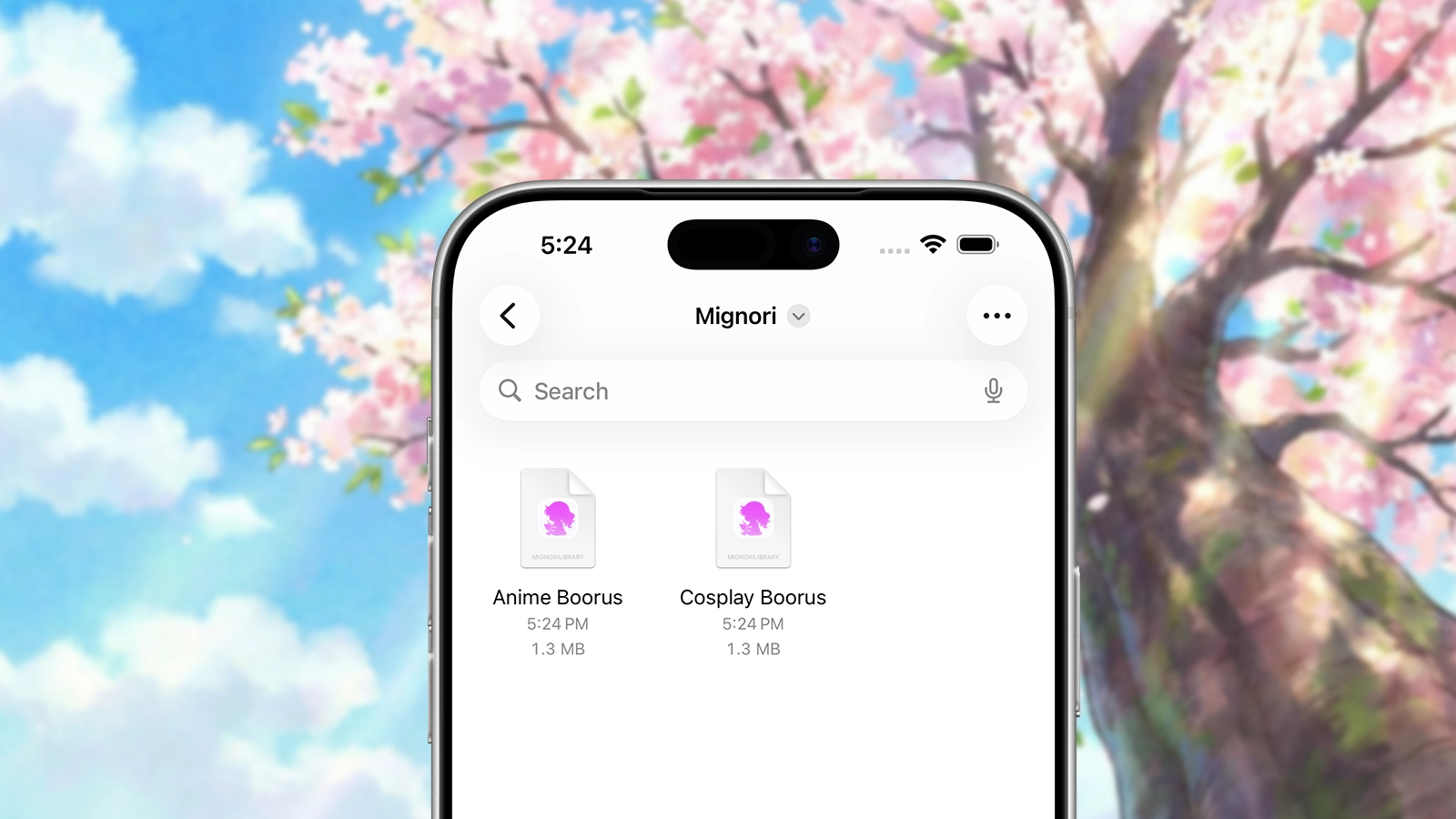
In our June development update, we talked about why automatic background updates were not the right foundation for Mignori and why we were moving toward portable Mignori library files instead.
Today, we are introducing the first solid implementation of that idea.
Mignori Libraries are now working in beta, and over the past few days we have been polishing what this model should feel like in practice. Starting with build 26103, you can create, open, close, and manage Mignori Libraries directly in the app.
Mignori Libraries Are Package Documents
On Apple platforms, Mignori Libraries appear as regular files. On other platforms, they may look like folders containing multiple files. The implementation detail is not the important part. What matters is that a Mignori Library is something you control.
Because libraries are file-based, you can move them around and store them where they make sense for you. You can keep one on your iPhone in the Files app, store it in iCloud Drive, back it up to your computer, or place it somewhere else entirely.
You can also decide how much you want to split your content. Some users may want one large library for everything. Others may prefer separate libraries for different boorus, different themes, or different kinds of saved content. Mignori Libraries make both approaches possible.
Local and Remote Libraries
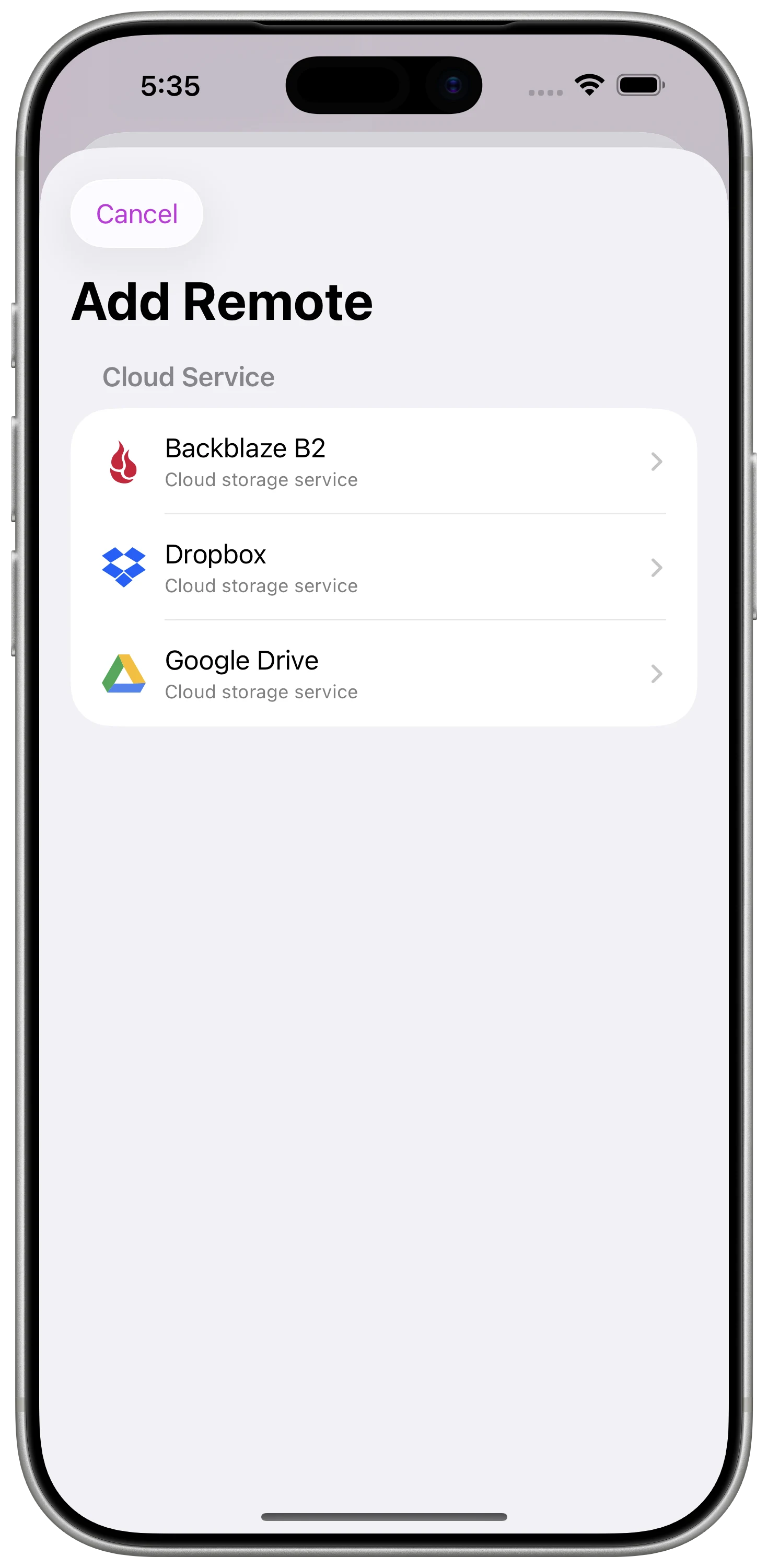
Users who save a lot of content will be able to store Mignori Libraries in cloud storage services. The initial implementation supports:
- Google Drive
- Dropbox
- Backblaze B2
More providers may be added in the future depending on demand. If there is a cloud storage service you want to use and Mignori does not support it yet, feel free to contact us and we will consider it for a future release.
Remote libraries are not just local libraries copied somewhere else. They have been designed so the practical storage limit becomes the space available in your cloud storage account, not the space available on your phone.
When you create a library in remote storage, Mignori stores the library content in the cloud. Local storage is kept to the main Mignori database, thumbnails, and a cache of recently used assets. This keeps local storage usage low even if your library becomes very large.
That matters for users who want to build serious libraries. We are talking about libraries that can grow from a few gigabytes to hundreds of gigabytes, or even more, depending on how much content you save.
Remote Libraries Require Care
Remote libraries give you a lot of flexibility, but they are not updated automatically.
Uploads are not automatic by default. This is intentional: we want you to decide when your latest local changes should be uploaded to the cloud. Mignori will not silently push changes in the background without your control.
There is also no conflict resolution for conflicting uploads. Remote libraries can be used across multiple devices, but you need to make sure you upload pending changes before moving to another device. If two devices make changes to the same library without coordinating those uploads, the latest upload may replace earlier changes.
If you use Backblaze B2, you can enable file history on your bucket. That can give you an extra recovery path if you accidentally overwrite a version of your library.
Opening and Closing Libraries
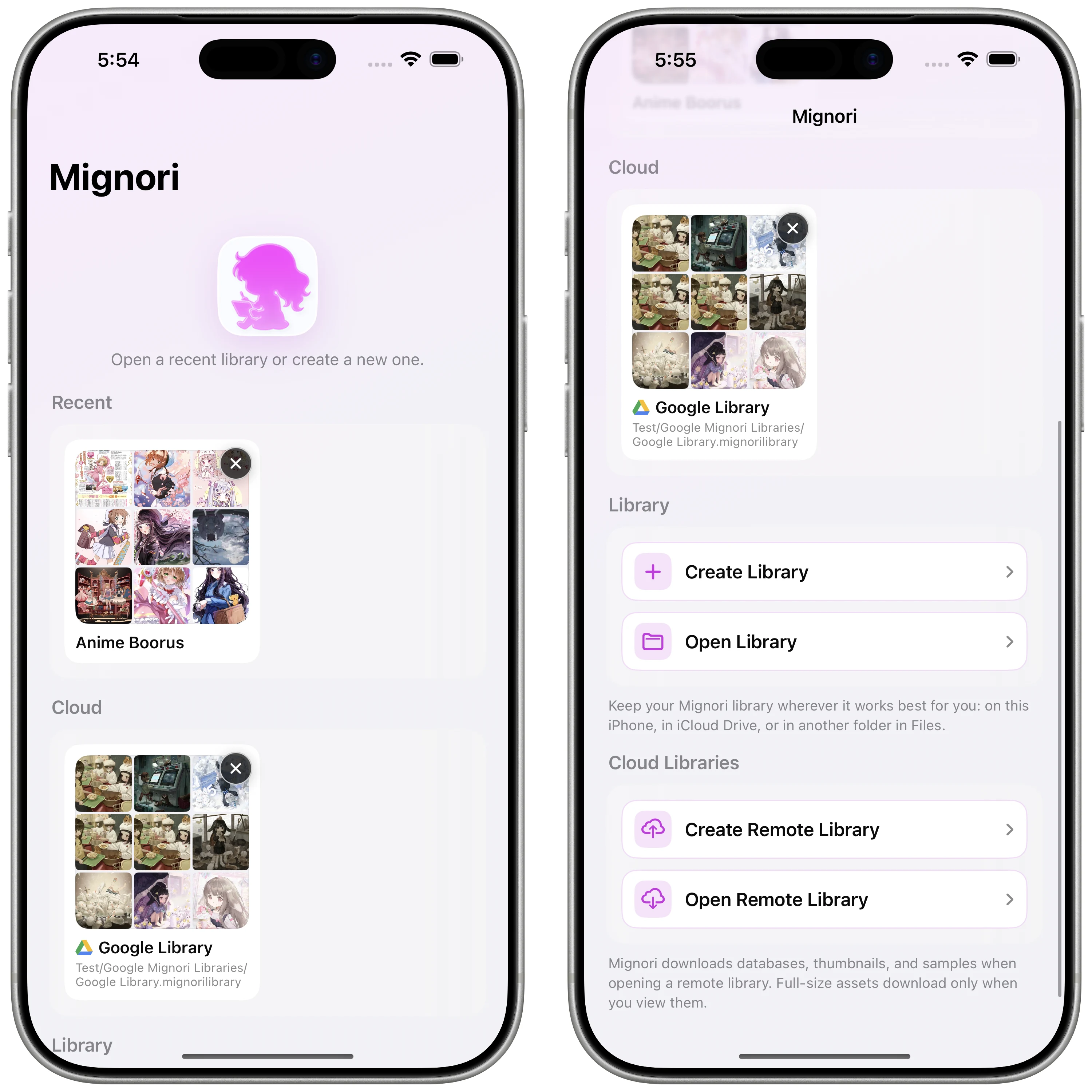
To support this new model, Mignori now lets you open and close libraries from Settings.
Mignori also remembers the last library you opened, so users who only want one library do not need to think about this every time they launch the app.
The launch screen has been updated as well. From there, you can create a new library, open an existing one, or jump back into recently used libraries.
Other Improvements
This build includes several bug fixes and performance improvements that came out of the library work.
In particular, the Collections screen and local searches should feel faster and more reliable. Some bugs were introduced while the new storage model was being built, others were already present, and a few are still being worked through. This beta is part of that process.
Release Status
Getting Mignori Libraries into testers’ hands is important because this is a major piece of the release plan.
At this point, Mignori is not expected to gain new major features before the first public release. The focus is shifting toward testing Mignori Libraries, fixing bugs, polishing rough edges, and making sure the app is in the best state it can be in before launch.
Mignori Libraries are a big step in that direction. They give users control, they avoid the reliability problems we found with automatic background updates, and they make it possible for Mignori to support very large personal libraries without forcing everything into one automatic update system.